Agent
Claude
Use Claude with TapKit tools so it can reason over the current iPhone screen and call phone actions.
Claude integration
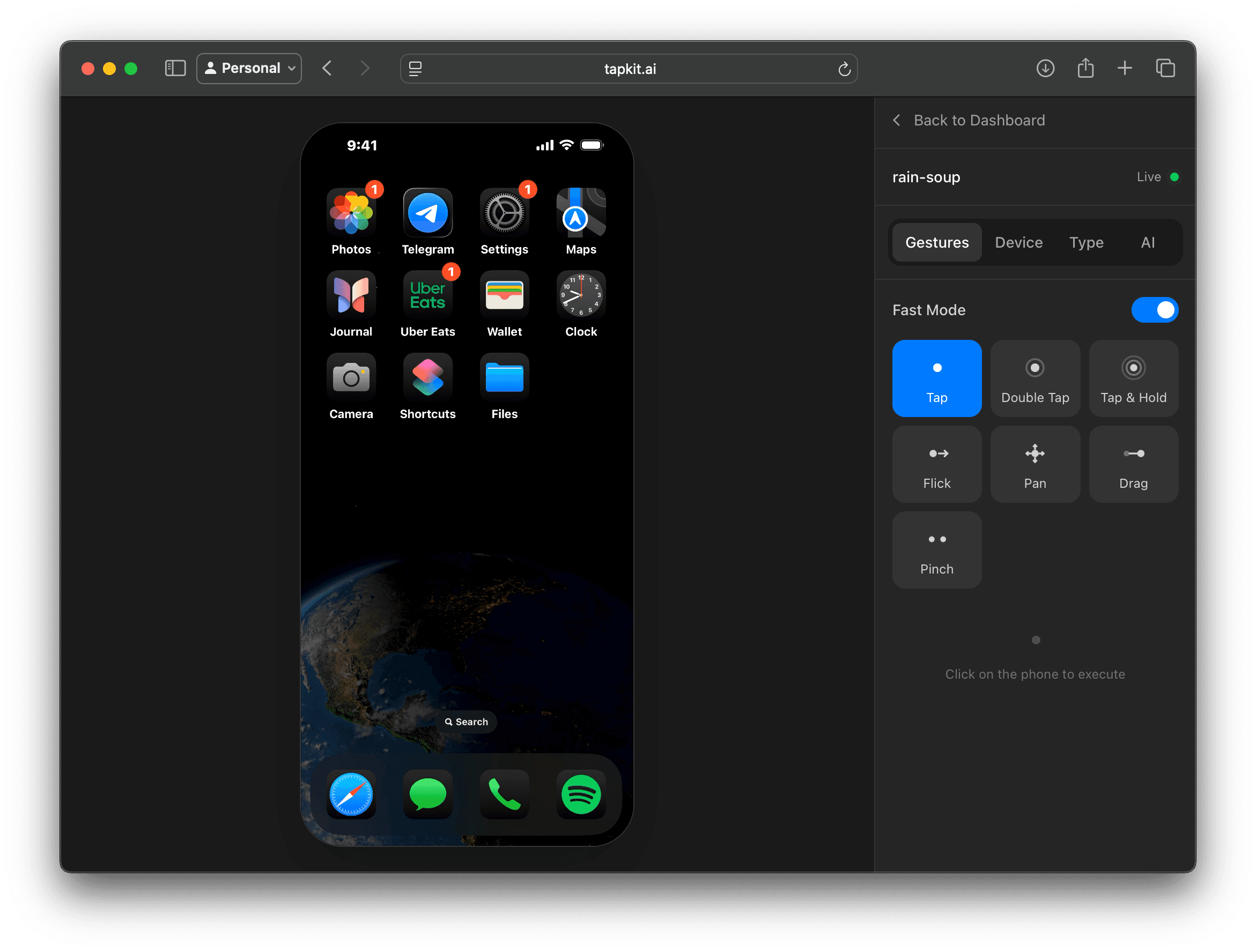
TapKit gives Claude an iPhone control layer through MCP, so it can see the screen, reason about the next step, and operate real mobile apps.
Agent
Claude
Use Claude with TapKit tools so it can reason over the current iPhone screen and call phone actions.
Connection
MCP
TapKit's MCP integration gives Claude a structured way to call screenshots, taps, typing, swipes, and app actions.
Workflows
Mobile tasks
Prototype phone workflows, inspect app state, run QA tasks, and operate authorized mobile accounts with human oversight.
How it works
A model can reason about a screenshot, but it needs reliable tools to turn that reasoning into action. TapKit supplies those tools for a physical iPhone.
Claude can inspect the screen, decide what to do, and call TapKit actions through an MCP-compatible setup. TapKit executes the action and returns the next phone state.
That turns the iPhone into a real environment Claude can operate, while your team keeps control over devices, sessions, and review.
Use cases
Ask Claude to walk through an app flow on a real iPhone and report what it saw, where it got stuck, and what changed.
Let Claude move between apps when the workflow requires messages, settings, files, browser views, or notifications.
Use Claude to inspect mobile-only context and prepare next-step actions while humans keep approval on important account actions.
Explore what a phone-capable model can do before committing to a custom backend integration.
Guardrails
Keep exploring
More ways to give agents a real mobile surface.