Mirroring
Desktop UI bridge
iPhone Mirroring is useful for a person using a nearby phone from a Mac. MCP wrappers can expose that UI to an agent.
Comparison
iPhone Mirroring can help a Mac user interact with a nearby phone. TapKit is built for AI agents and teams that need a reliable real-iPhone automation layer.
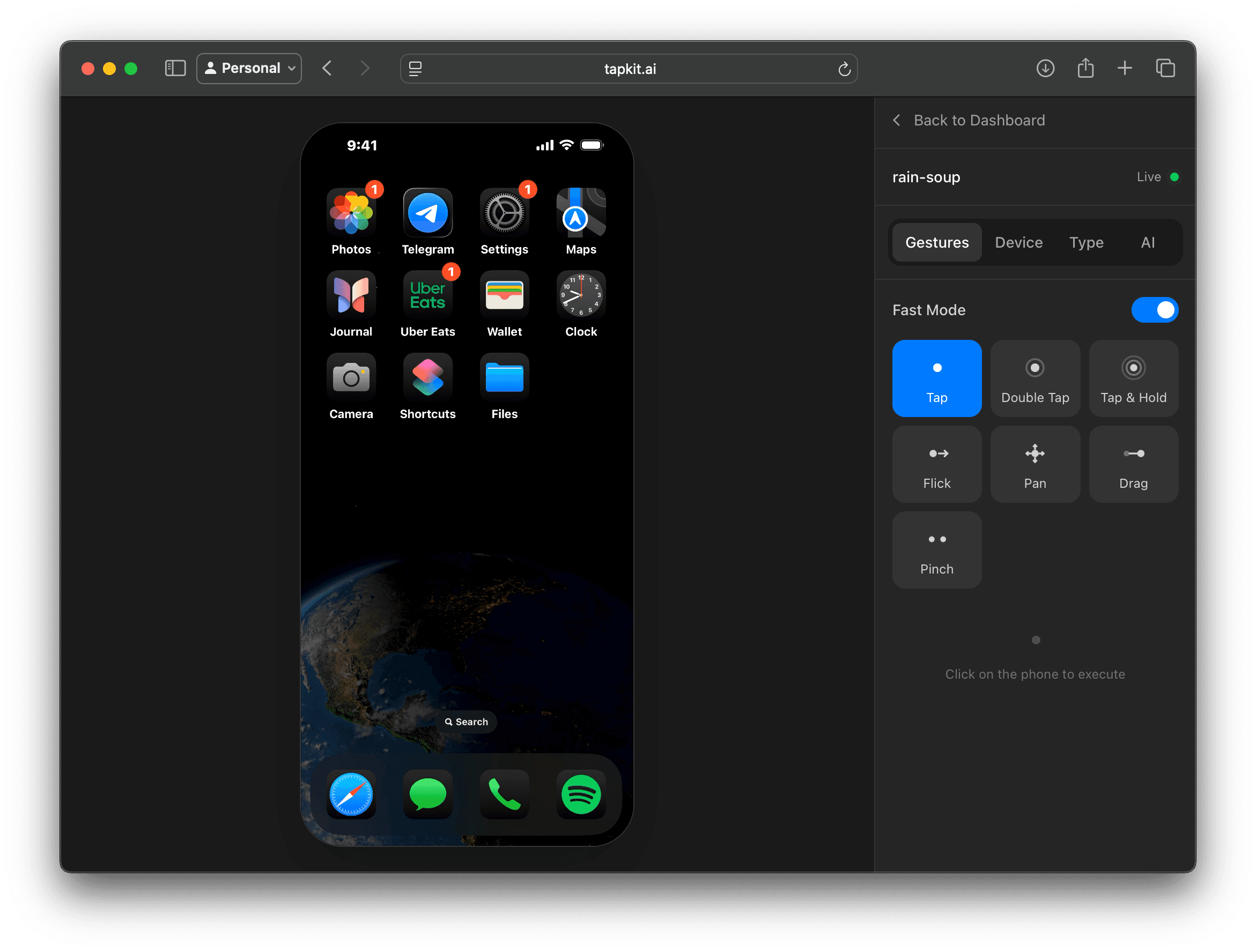
Mirroring
Desktop UI bridge
iPhone Mirroring is useful for a person using a nearby phone from a Mac. MCP wrappers can expose that UI to an agent.
TapKit
Agent control layer
TapKit is built around phone sessions, screenshots, actions, streaming, logs, APIs, and team workflows.
Main question
Prototype or product?
Mirroring is attractive for demos. TapKit is better when the phone becomes part of an automation system.
Quick answer
Apple's iPhone Mirroring lets a Mac user interact with an iPhone and its notifications when the devices meet Apple's continuity requirements. It is useful, but it was not designed as an automation backend.
An MCP wrapper around mirroring can be a good experiment. The limitation is that the agent is operating a desktop window, not a phone automation system with sessions, API keys, device management, logs, and production controls.
TapKit is built for the latter. It exposes real iPhone control as MCP tools, a REST API, and an SDK, with the workflow concepts an automation team needs.
Feature comparison
| Criteria | TapKit | iPhone Mirroring MCP |
|---|---|---|
| Real iPhone interaction | Yes | Yes |
| Purpose-built API | Yes | No |
| MCP support | Yes | Yes |
| Session history and monitoring | Yes | Partial |
| Team device management | Yes | No |
| Works beyond a desktop UI surface | Yes | Partial |
| Production automation posture | Yes | Partial |
| Good quick prototype | Yes | Yes |
Mirroring fit
If one person wants to interact with a nearby iPhone from their Mac, mirroring is a convenient UI feature.
A thin MCP wrapper around the mirrored window can be enough to prove that an agent can point and click around a phone UI.
If you do not need session logs, device management, team access, API keys, or repeatable workflows, a local setup can be acceptable.
Mirroring works best when the Mac user remains close to the phone and can recover the workflow manually.
TapKit fit
Keep exploring
More ways to give agents a real mobile surface.