Protocol
MCP tools
Expose phone actions to agents through Model Context Protocol tools instead of custom glue code.
MCP integration
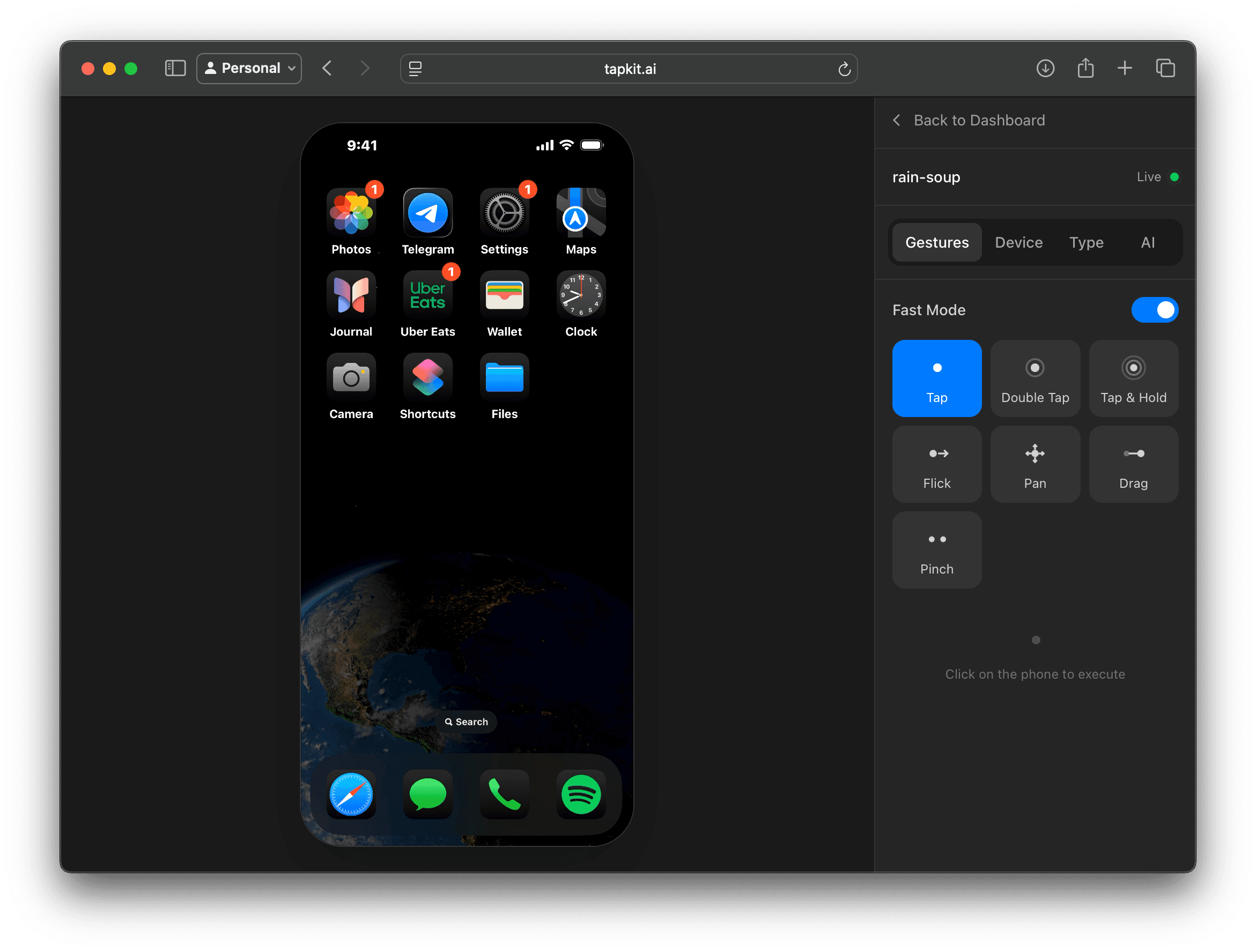
TapKit connects real iPhones to MCP-compatible agents, giving them the tools to inspect the screen, choose an action, and operate the phone.
Protocol
MCP tools
Expose phone actions to agents through Model Context Protocol tools instead of custom glue code.
Device
Real iPhone
Run the agent loop against a physical iPhone with installed apps, accounts, notifications, and mobile-only UI.
Use
Agent clients
Connect TapKit to MCP-capable environments for experiments, demos, QA, and internal automation.
Why MCP
MCP is useful because the agent does not need a bespoke integration for every environment. TapKit can expose phone-control actions as tools the agent can call from an MCP-compatible client.
The workflow is straightforward: the agent sees the screen, chooses an action, TapKit executes it on the physical iPhone, and the agent observes the next state.
That makes MCP a strong starting point for mobile agent experiments, QA workflows, and internal tools that need to interact with real iOS apps.
Capabilities
Capture screenshots and streaming context so the agent can reason about the current phone state.
Tap, swipe, type, open apps, run shortcuts, use navigation controls, and move through mobile workflows.
Let the agent move between Messages, Settings, social apps, files, web views, and other mobile surfaces.
Monitor sessions, interrupt work, and review what the agent saw and did before operationalizing a workflow.
Fit
Path to production
MCP is a practical way to prove the workflow and teach agents how to use phone tools. When you need repeatability, service integration, or backend orchestration, the same TapKit phone layer can be used through the REST API or Python SDK.
That keeps the prototype close to the production path instead of turning a demo into a dead end.
Keep exploring
More ways to give agents a real mobile surface.