
Unlock your iPhone
Leave your iPhone locked until your agent needs it. Tapkit unlocks it using the passcode you provided during setup.
Abilities let your agents hand off iPhone tasks to Tapkit. Its built-in agent handles the steps on your phone and helps you get set up.

The screen can fall asleep while your agent figures out its next move.

The right steps can change with the app, iPhone, or iOS version.

Some actions need a few things set up before they’ll work.
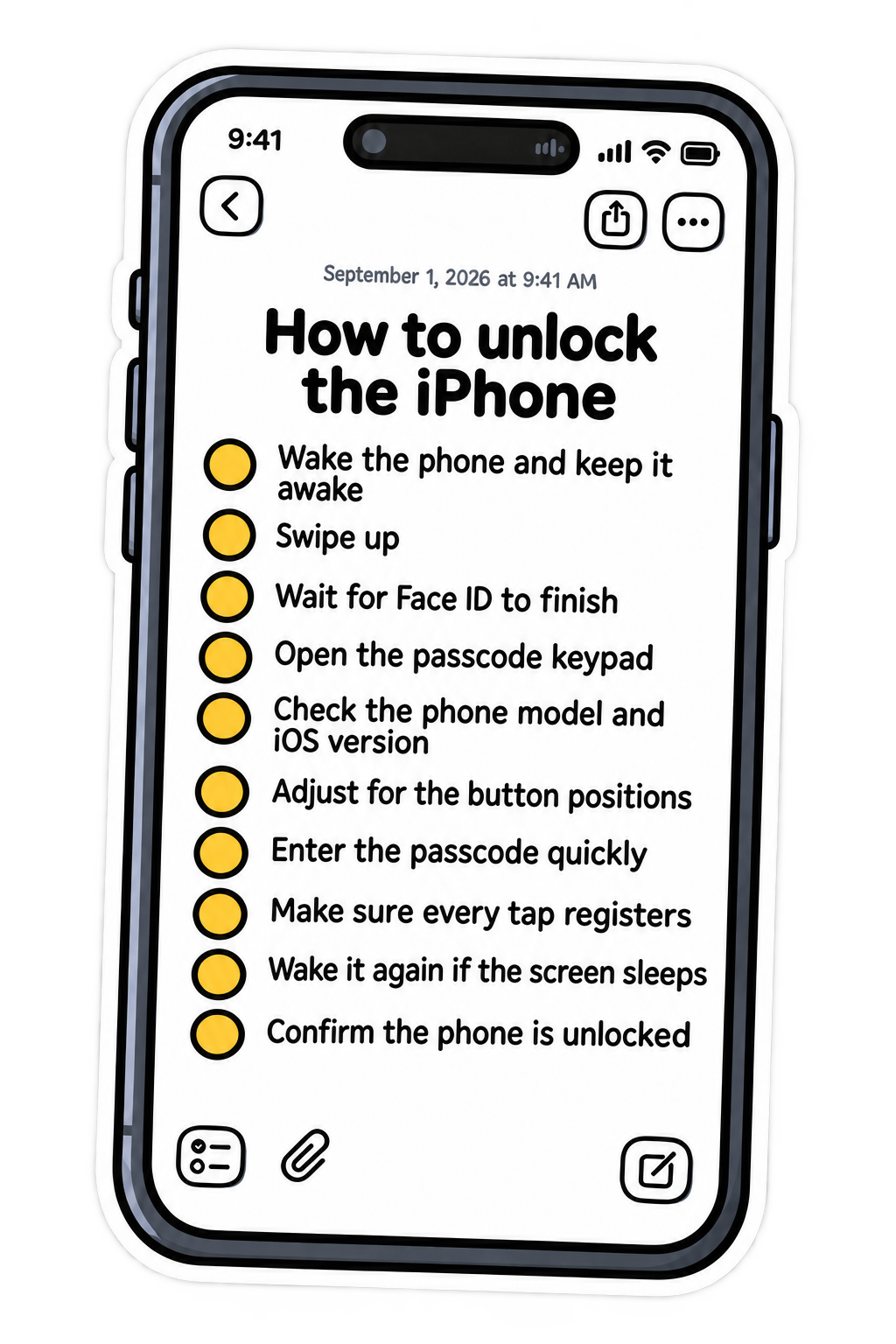
Leave your iPhone locked until your agent needs it. Tapkit unlocks it using the passcode you provided during setup.

Your agent can download and install apps from the App Store. Tapkit handles the process, using your saved password when required.

Your agent can pay in apps and on websites that support Apple Pay, without you giving it your card details.
Yes. Connect through Tapkit’s MCP integration and your agent can delegate abilities to Tapkit’s built-in agent. You can also use them directly in the Tapkit Mac app.
No. You provide your passcode during setup in Tapkit. Tapkit handles entering it when needed, so you don’t have to paste it into your agent’s chat.
Your AI can hand off the ability to Tapkit’s built-in agent, which handles the phone interactions. Your AI doesn’t need to plan and execute every tap itself.
Connect your iPhone in the Tapkit Mac app and ask the built-in agent to help you set it up. It handles most of the phone setup and guides you through any information or permissions you need to provide.