Agent
Codex
Let a coding agent operate a physical iPhone while it builds, debugs, or verifies mobile workflows.
Codex integration
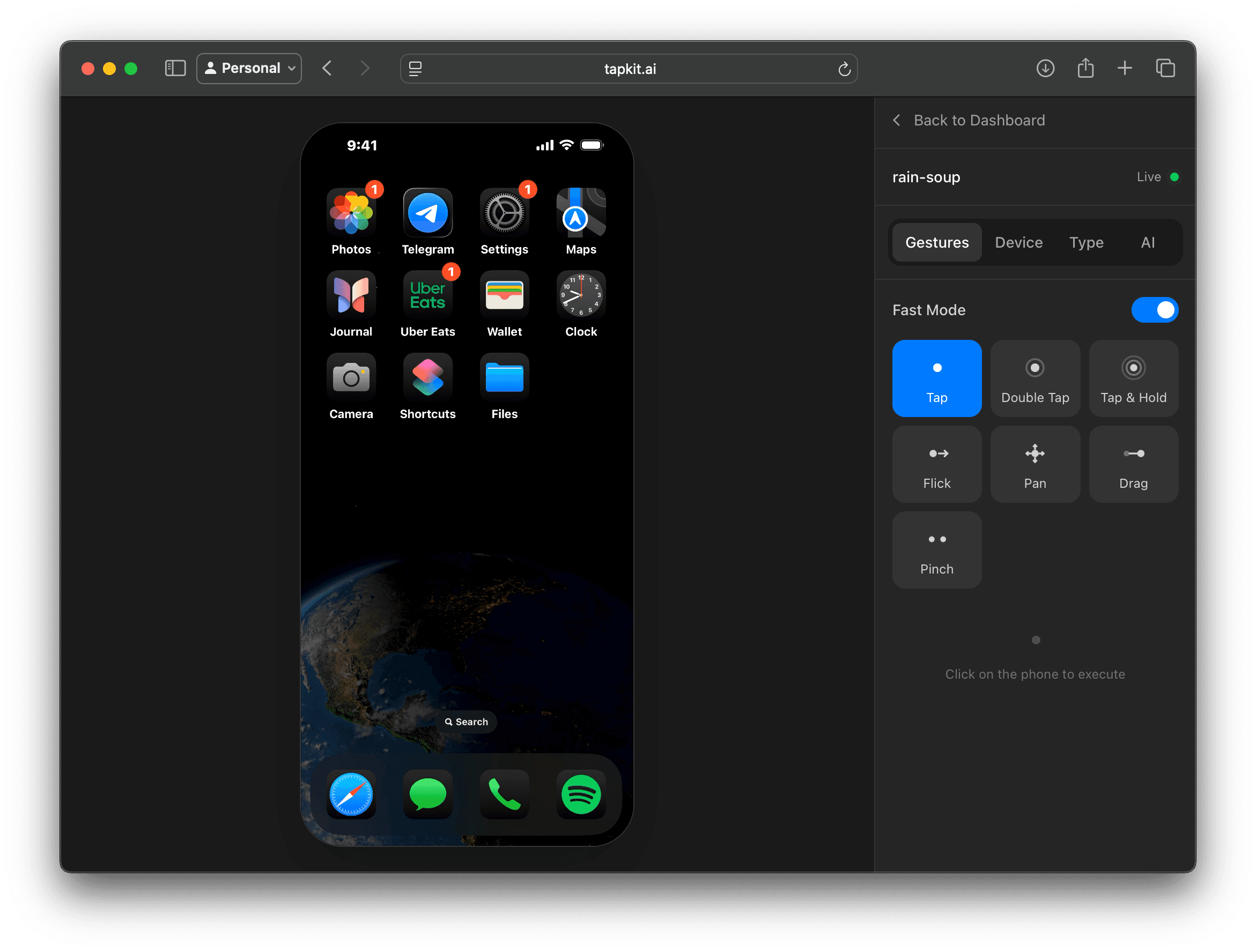
TapKit gives Codex a real-device control layer, so it can inspect mobile screens, exercise workflows, and verify product behavior on a physical iPhone.
Agent
Codex
Let a coding agent operate a physical iPhone while it builds, debugs, or verifies mobile workflows.
Interface
MCP tools
TapKit exposes phone actions so Codex can capture screenshots, tap, type, swipe, and move across apps.
Use
Build and verify
Use real-device feedback when code changes depend on app behavior, account setup, or mobile-only flows.
Why Codex
A coding agent can edit code, run tests, and inspect logs. TapKit adds another feedback loop: the actual iPhone workflow that users experience.
That is useful when the task depends on mobile UI state, authentication, app switching, notifications, shortcut setup, or a third-party app surface that local tests cannot fully model.
With TapKit, Codex can call phone tools, observe the result, and continue working with concrete device context.
Use cases
Have Codex inspect an onboarding, settings, auth, or purchase flow on a real iPhone after implementing a change.
Use screenshots and session context when the issue depends on phone state, app permissions, or installed-app behavior.
Turn a live phone session into clear reproduction steps, observations, and follow-up engineering tasks.
Let Codex help with repetitive phone setup, shortcut installation checks, app install checks, and account-state validation.
Guardrails
Keep exploring
More ways to give agents a real mobile surface.