Give your agent
an iPhone.
Tapkit lets AI agents see, tap, type, and work across apps on real iPhones.
✗
♡
Use the iPhone likeanother computer.
Every app becomes a tool your agent can use. Your agent sees the same screen you do.
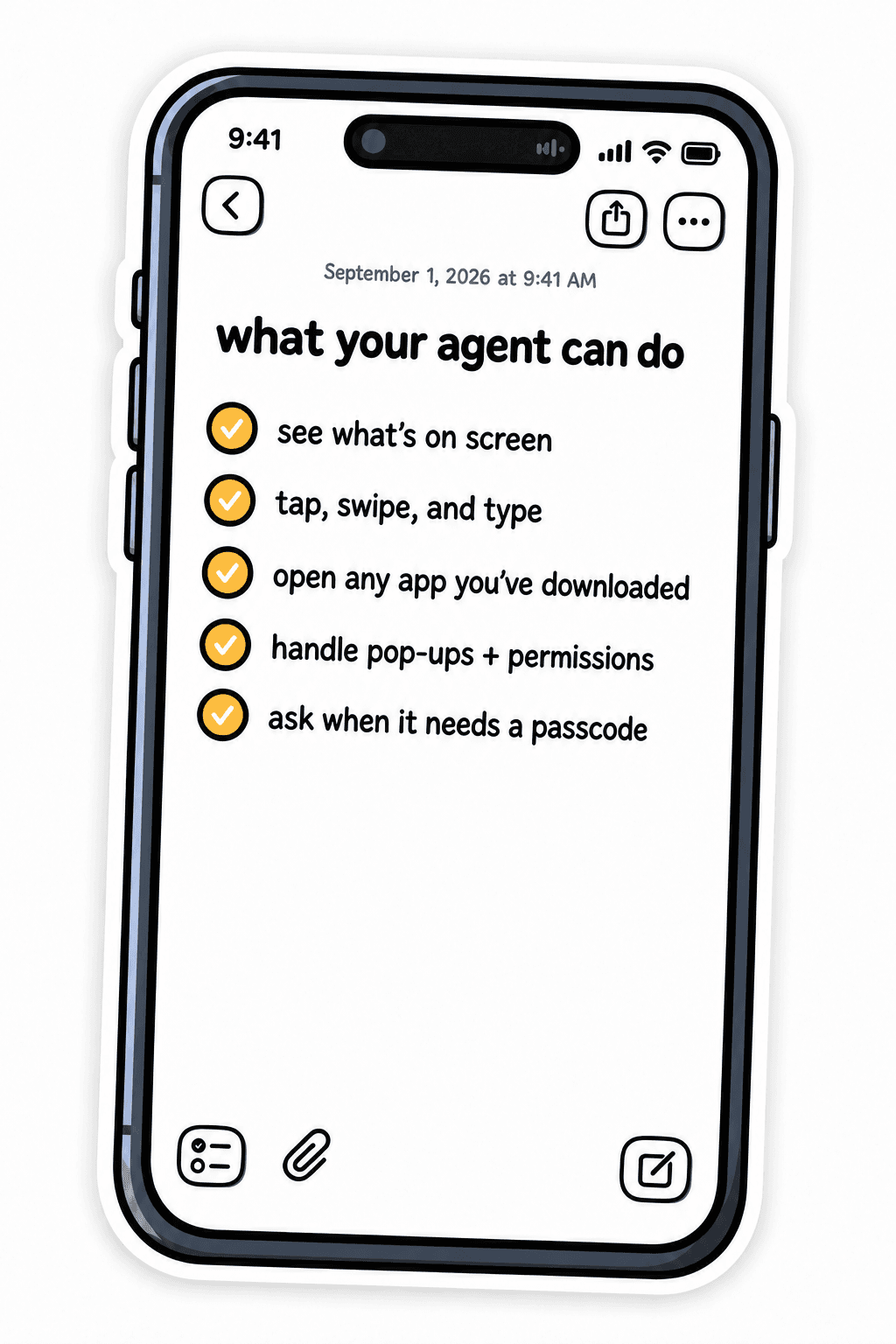
Anything you can do on your phone,
your agent can do too.

Downloads new apps

Texts with iMessage

Handles 2FA and verification

Uses your iCloud

Pays for stuff you need

Locks and unlocks
Get started in minutes


Connect your AI

Tell it what to do
FAQs


How does TapKit work?
TapKit gives you programmatic control of real, physical iPhones through Apple's accessibility features. You send actions (tap, swipe, type) via our API, and they execute on your iPhone. For framework differences, compare TapKit with Appium.
Is this the same as an iOS simulator?
No. Simulators run virtual iOS environments that can't install or use apps. TapKit runs on real iPhones. See the full TapKit vs iOS simulator comparison.
What apps can TapKit use?
Anything on the App Store you can use.
How do I connect my AI agent?
Use our MCP server to connect directly to Claude Code or Cursor, our REST API with a Python SDK for custom integrations, or our Mac and Web apps for no-code control. The typical agent loop is: screenshot → send to your vision model → get action → execute on device. See how TapKit compares with iPhone Mirroring MCP.
Do I need my own iPhone?
Yes, TapKit is bring-your-own-device. You connect your own iPhone to your Mac and TapKit turns it into an API. We're exploring hosted phone options for teams that don't want to manage their own hardware. If you're evaluating hosted hardware, compare TapKit with device farms.
What does it cost?
TapKit starts at $99/month for one phone, with a five-phone plan at $399/month for parallel workflows and custom pricing for larger fleets.
Pricing
Every plan includes the complete TapKit experience.
Choose how many iPhones your agents can use.

One Phone
$99/ month
For your first workflow.
- 1 iPhone
- Any AI agent
- Full phone control

Best value
Five Phones
$399/ month
For parallel workflows.
- 5 iPhones
- Run all five at once
- Share access with your team

Fleet
Custom
For production deployments.
- Custom phone count
- Setup + onboarding
- Custom integrations
Use your own iPhones. No special hardware. Cancel anytime.
